Best Seller Icon Bestseller

Certificate In Corel Draw(S-CCD-1523)

  • Last updated Jul, 2026
  • Certified Course
₹2,000 ₹3,000

Course Includes

  • Duration30 Days
  • Enrolled0
  • Lectures30
  • Videos0
  • Notes0
  • CertificateYes

What you'll learn

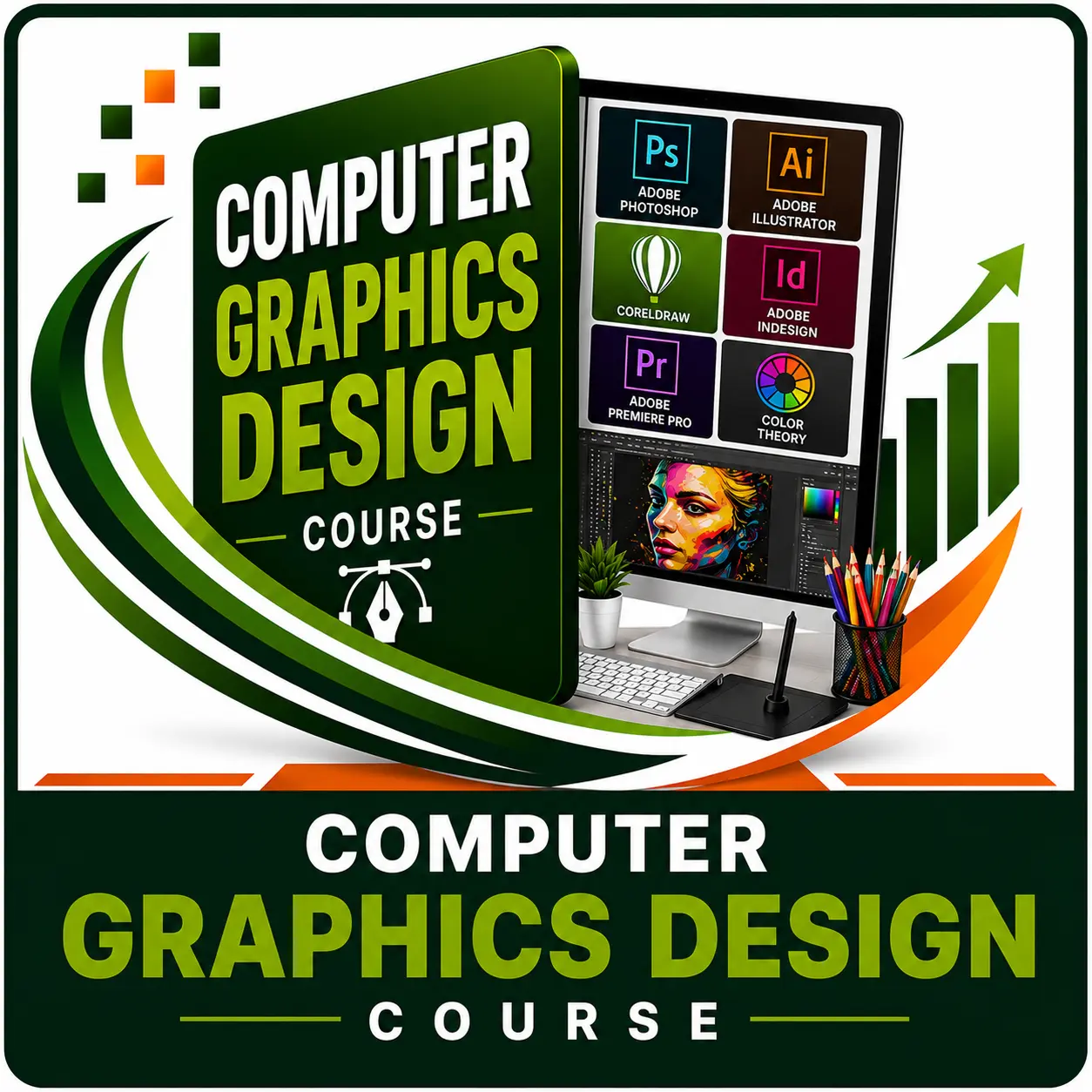
Learn professional graphic design with CorelDRAW and create logos, business cards, brochures, flyers, banners, social media posts, packaging designs, and print-ready artwork. This course covers essential design tools, vector illustration, page layout, color management, and printing techniques through practical projects. Ideal for students, job seekers, entrepreneurs, and aspiring graphic designers.

Show More

Course Syllabus

Module 1: Introduction to CorelDRAW

  • Introduction to Graphic Design
  • CorelDRAW Interface
  • Creating a New Document
  • Page Setup & Units
  • Workspace Customization

Module 2: Basic Drawing Tools

  • Pick Tool
  • Shape Tool
  • Freehand Tool
  • Bezier Tool
  • Pen Tool
  • Rectangle, Ellipse & Polygon Tools
  • Perfect Shapes

Module 3: Object Editing

  • Select, Move, Copy & Duplicate
  • Resize, Rotate & Skew
  • Align & Distribute
  • Group & Ungroup
  • Order Objects
  • Combine, Break Apart & Weld

Module 4: Color & Fill

  • Color Palette
  • Uniform Fill
  • Fountain (Gradient) Fill
  • Pattern Fill
  • Mesh Fill (Basics)
  • Outline Pen & Outline Color
  • Eyedropper & Paintbucket

Module 5: Text Design

  • Artistic Text
  • Paragraph Text
  • Text Formatting
  • Text on Path
  • Fit Text to Shape
  • Drop Cap
  • PowerClip with Text

Module 6: Effects & Advanced Tools

  • Contour
  • Blend
  • Envelope
  • Extrude
  • Transparency
  • Shadow
  • PowerClip
  • Distort
  • Lens Effects

Module 7: Image Editing

  • Import Images
  • Crop & Trim
  • Bitmap to Vector (PowerTRACE)
  • Background Removal
  • Image Adjustment
  • Masking Basics

Module 8: Professional Design Projects

  • Logo Design
  • Business Card
  • Letterhead
  • ID Card
  • Certificate
  • Invitation Card
  • Flyer
  • Brochure
  • Poster
  • Banner
  • Social Media Post
  • Flex Design

Module 9: Print & Export

  • CMYK & RGB Color Modes
  • Print Setup
  • Bleed & Margins
  • Export to PDF
  • Export PNG & JPEG
  • Print-Ready File Preparation

Module 10: Live Project

  • Company Logo Design
  • Marketing Flyer
  • Product Brochure
  • Roll-up Banner
  • Complete Branding Project

Course Fees

Course Fees
:
₹3000/-
Discounted Fees
:
₹ 2000/-
Course Duration
:
30 Days

Review

0.0
Course Rating (0 reviews)
0%
0%
0%
0%
0%


Call
Text Message
Review
Email
CHAT